An All-inclusive Data Recovery Program for iPhone, iPad and iPod
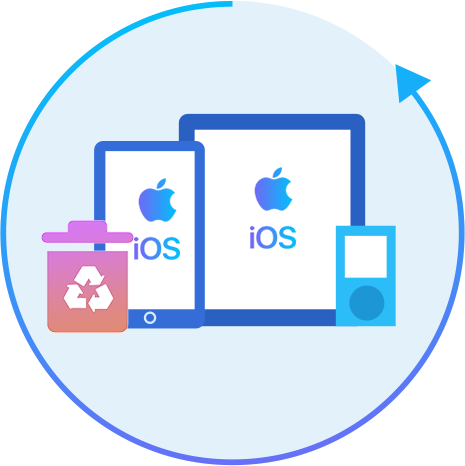
Leawo iOS Data Recovery is an all-inclusive data recovery software app for iPhone, iPad and iPod devices. It could act as iPhone data recovery software, iPad data recovery software, and iPod data recovery software to recover deleted or lost data for all models of iPhone, iPad and iPod, so as to help you avoid data loss due to mistaken deleting or other occasions. Up to 14 types of data could be recovered easily. Leawo iOS Data Recovery is an iPhone/iPad/iPod Touch recovery software combo as well as an iPhone/iPad/iPod Touch data backup tool.
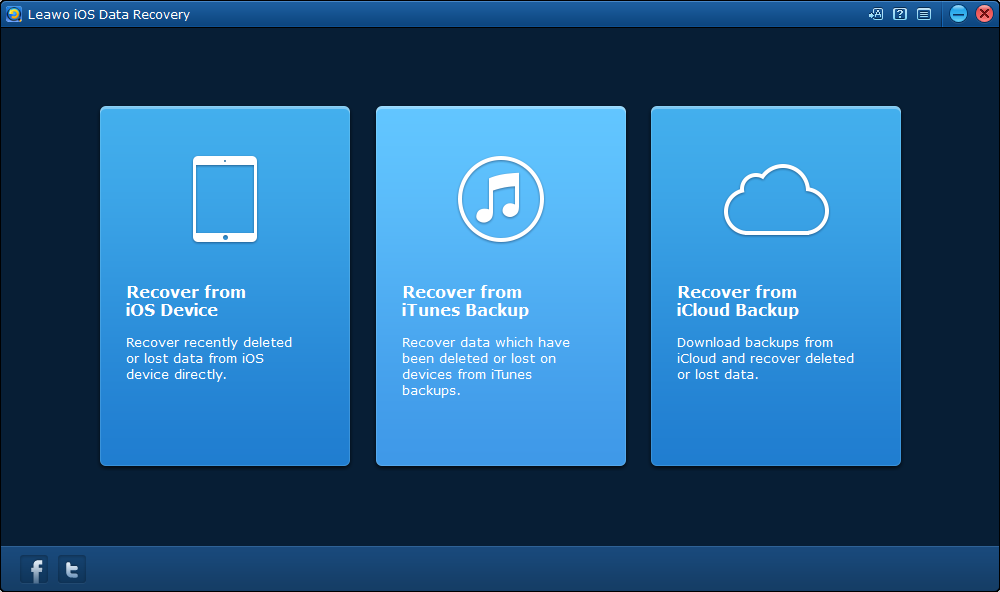
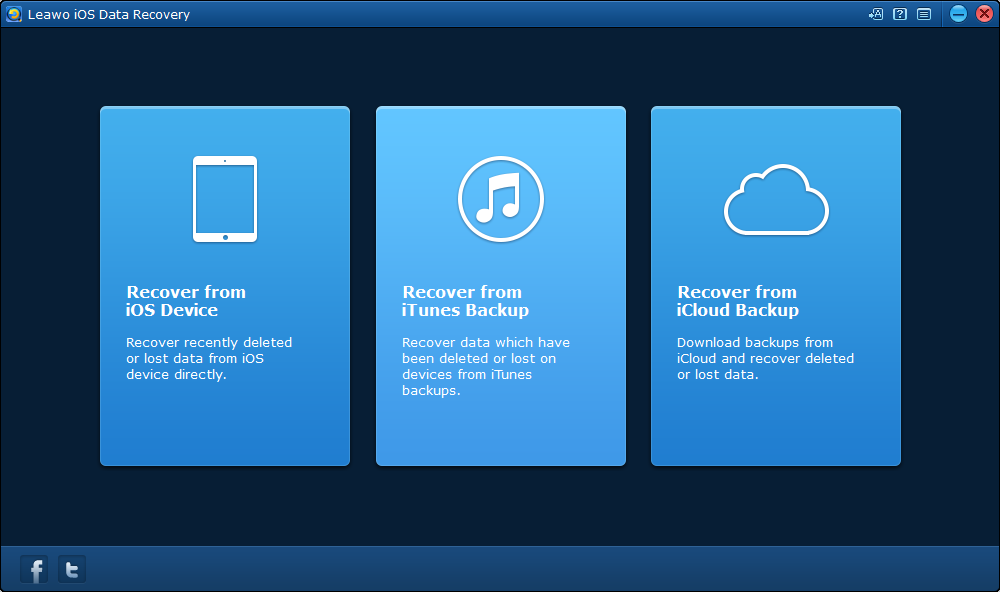
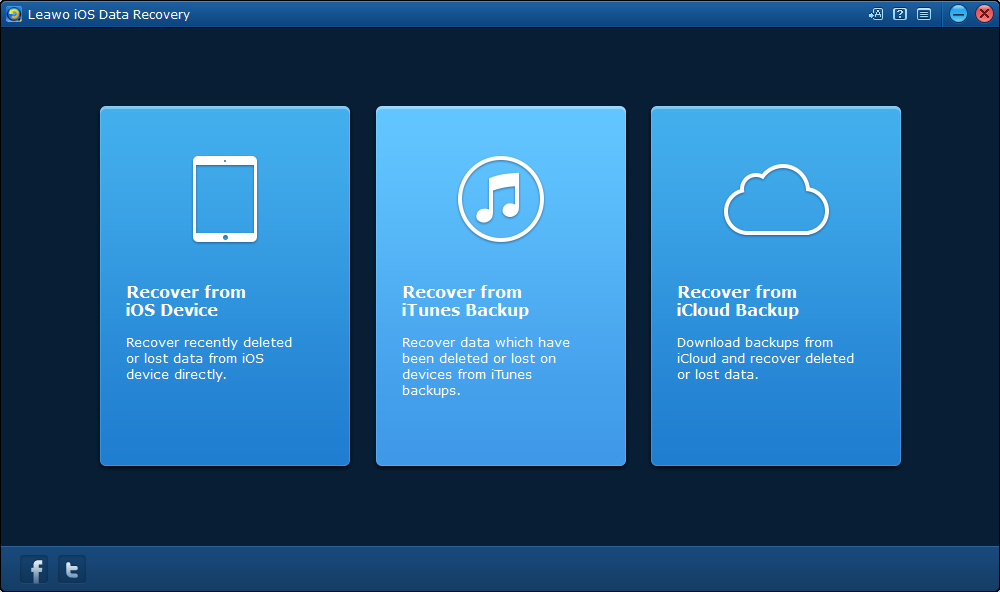
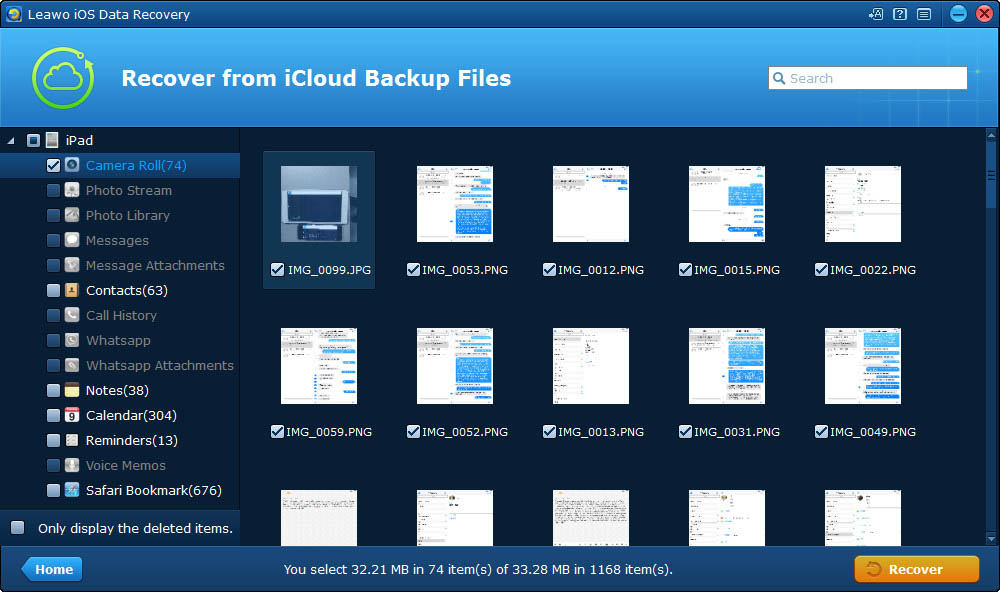
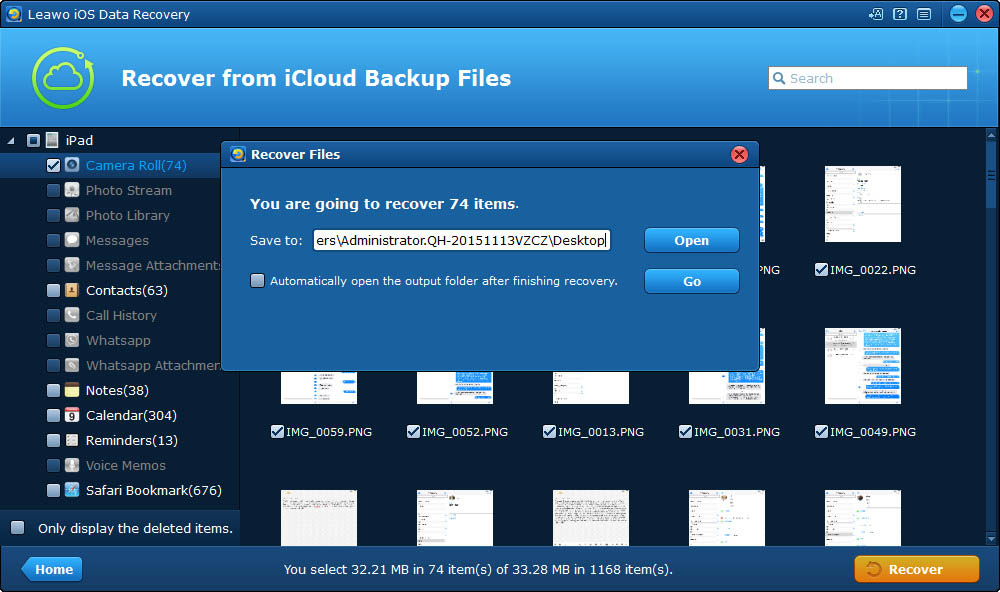
Leawo iOS Data Recovery is the best iOS data recovery software since it enables iOS owners to recover data from various modes to ensure successful data recovery, including: iOS device data recovery mode, iTunes data recovery mode and iCloud data recovery mode.
Read and recover data from iPhone 4/iPod touch 4 directly
Recover deleted data that other modes couldn’t do.
Normal Mode
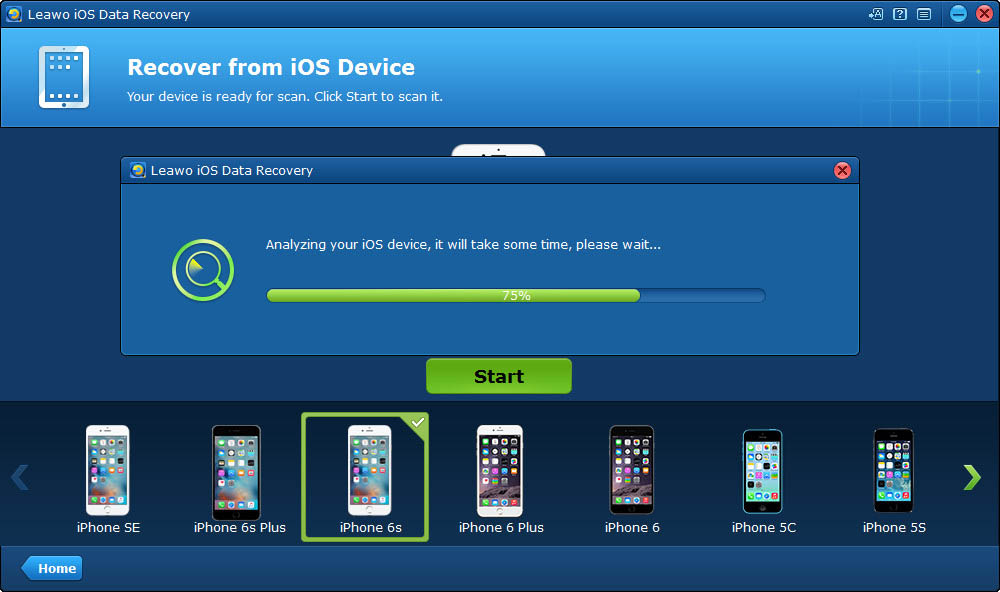
iPhone: iPhone 7, iPhone 7 Plus, iPhone SE, iPhone 6s Plus, iPhone 6s, iPhone 6 Plus, iPhone 6, iPhone 5s, iPhone 5c, iPhone 5, iPhone 4s, iPhone 4. iPad: iPad Pro, iPad Air 2/1, iPad mini 4/3/2/1 (iPad mini with with Retina display), iPad mini, iPad 4 (iPad with Retina display), iPad 3 (The new iPad), iPad 2, iPad 1. iPod: iPod Touch 6,iPod touch 5, iPod touch 4.
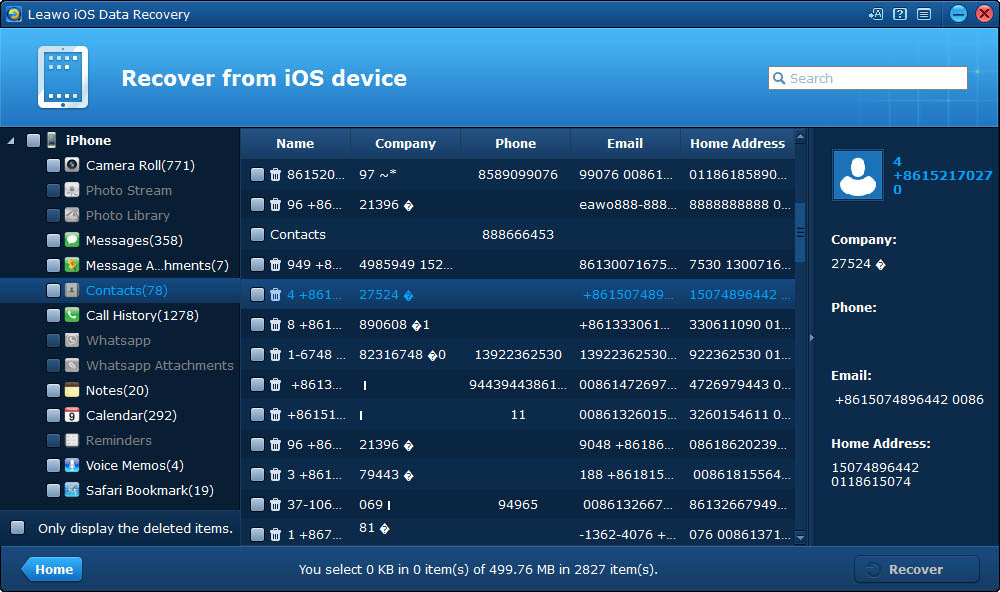
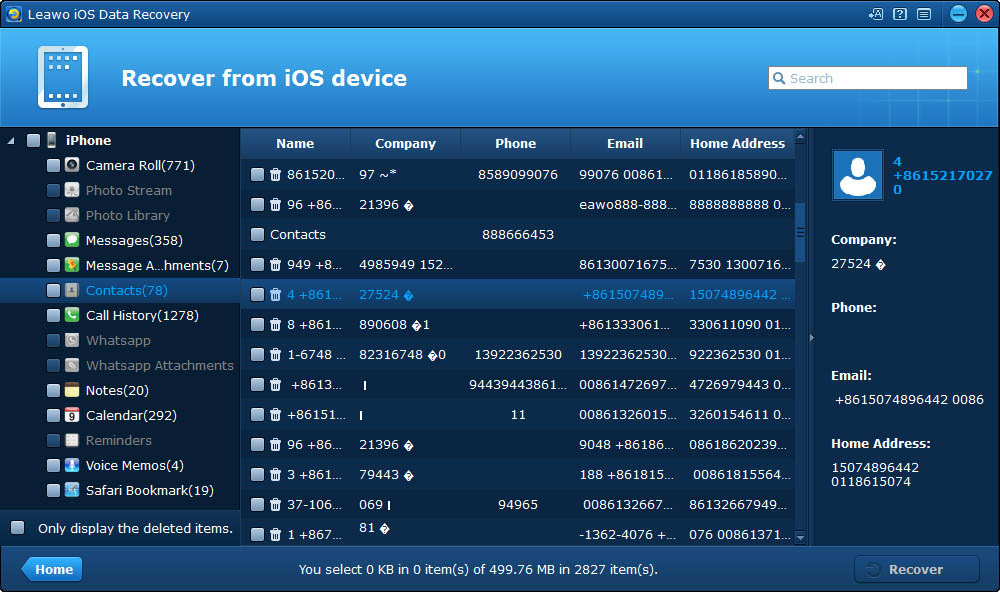
Messages, Contacts, Call History, WhatsApp, Notes, Calendar, Reminders, Safari bookmark
Support to recover deleted data or restore lost data for all iOS devices.
No need to invoke iTunes backup to recover deleted data for iOS devices.
Supported iOS Devices
Supported Data
Features
iPhone: iPhone 7, iPhone 7 Plus, iPhone SE, iPhone 6s Plus, iPhone 6s, iPhone 6 Plus, iPhone 6, iPhone 5s, iPhone 5c, iPhone 5, iPhone 4s, iPhone 4. iPad: iPad Pro, iPad Air 2/1, iPad mini 4/3/2/1 (iPad mini with with Retina display), iPad mini, iPad 4 (iPad with Retina display), iPad 3 (The new iPad), iPad 2, iPad 1. iPod: iPod Touch 6,iPod touch 5, iPod touch 4.
Messages, Contacts, Call History, WhatsApp, Notes, Calendar, Reminders, Safari bookmark
Support to recover deleted data or restore lost data for all iOS devices.
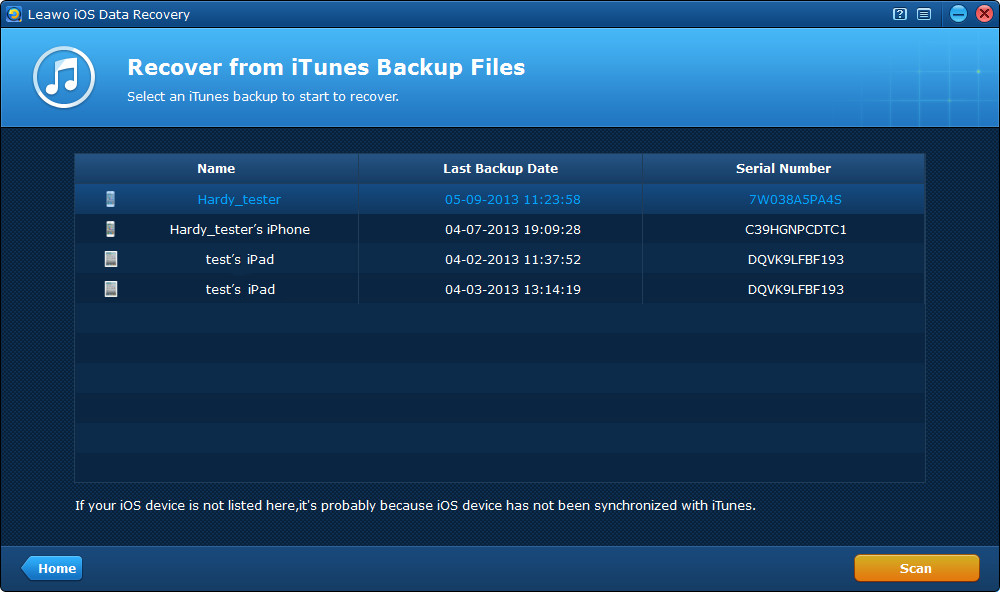
Require to invoke iTunes backupto recover deleted data for iOS devices.
Only recover data from iTunes backup.
Only recover deleted or lost data on computer that has iTunes backup.
Supported iOS Devices
Supported Data
Features
iPhone: iPhone 7, iPhone 7 Plus, iPhone SE, iPhone 6s Plus, iPhone 6s, iPhone 6 Plus, iPhone 6, iPhone 5s, iPhone 5c, iPhone 5, iPhone 4s, iPhone 4. iPad: iPad Pro, iPad Air 2/1, iPad mini 4/3/2/1 (iPad mini with with Retina display), iPad mini, iPad 4 (iPad with Retina display), iPad 3 (The new iPad), iPad 2, iPad 1. iPod: iPod Touch 6,iPod touch 5, iPod touch 4.
Messages, Contacts, Call History, WhatsApp, Notes, Calendar, Reminders, Safari bookmark
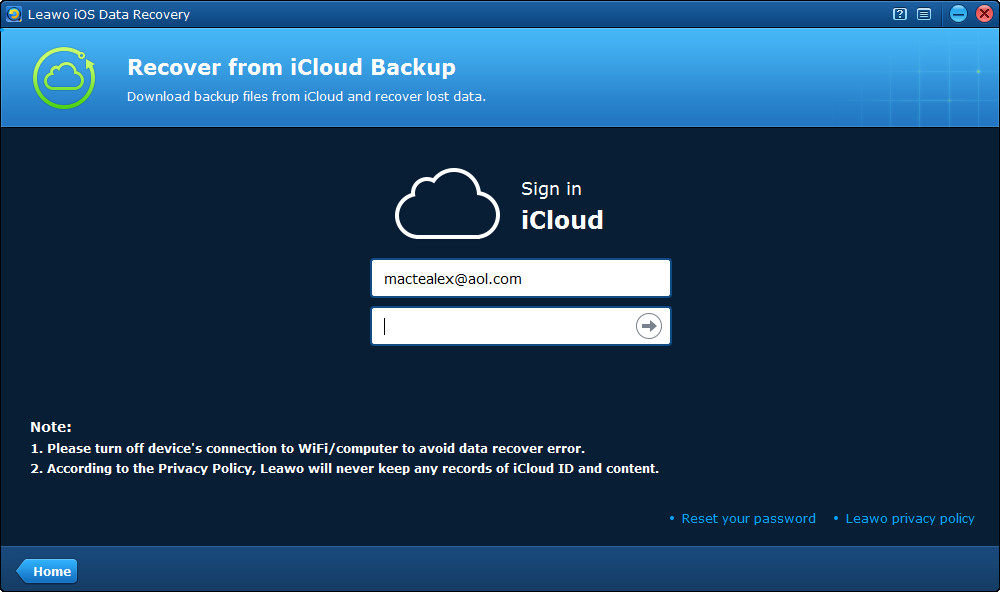
Requires Internet connection.
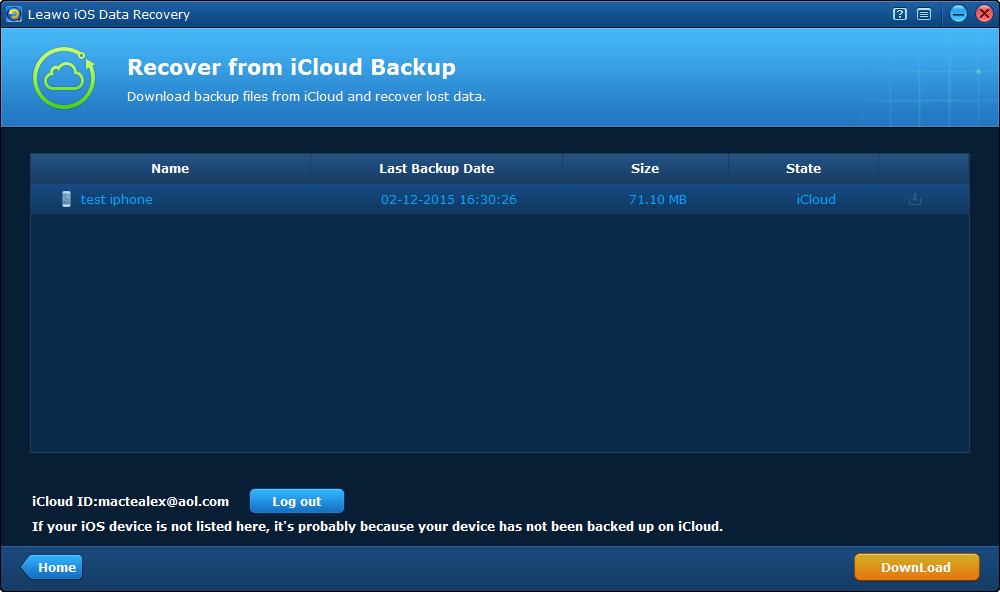
Only recover deleted or lost data saved on iCloud.
Application Scenarios
Recover Data Lost for Different Causes
With the practical iPod touch/iPhone/iPad data recovery software tool, you can recover data for iPhone/iPad/iPod touch easily, no matter the data has been lost/damaged/deleted due to: iOS update, iOS downgrade, device jailbroken, factory settings restored, mistake deletion, device broken, screen locked, device locked, device formatted, system crash, device stolen, password forgotten, switching to new iPhone
iOS update
Deleted
Device Broken
Locked
Lost
Damaged
Password Forgotten
Device Jailbroken
factory settings restored
Switching to new iPhone
System Crash
Device Stolen
Other Features
100% Safe, Accurate, and Speedy Recovery
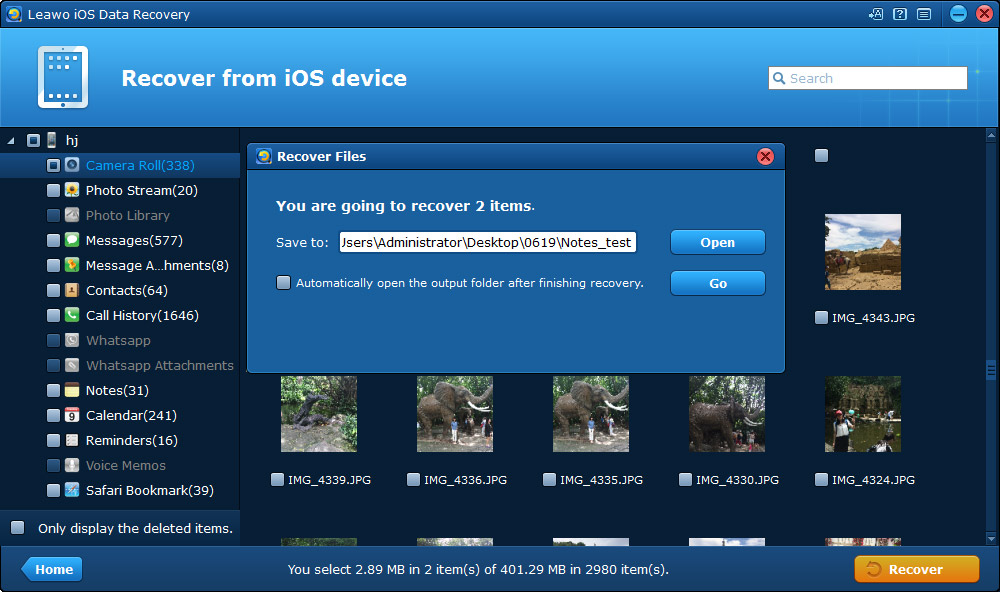
Leawo iOS Data Recovery delivers high speed, safety, accuracy and completeness of data recovering for iOS devices, even allows you to preview and select data for recovering.
20x faster scanning and recovering
Powered by advanced data scanning and recovering technologies, Leawo iOS Data Recovery could scan and recover data on iOS devices, iCloud and iTunes in 20X faster speed. This would tremendously save your time.
Accurate data scanning
The advanced data scanning technology adopted by Leawo iOS Data Recovery ensures full-scale, fast and complete scanning of iOS devices, iTunes backup and iCloud backup, so as to guarantee accurate scanning result.
Support the latest iTunes and iOS
With frequent update, Leawo iOS Data Recovery is always up to date and able to work with the latest iTunes and iOS versions, including iOS 10 and iTunes 12. Meanwhile, Leawo iOS Data Recovery works with iOS devices running on the latest iOS system.
Easy to use iOS data recovery interface
With user oriented program design concept, Leawo iOS Data Recovery is designed to provide clear directions on each interface to show users what to do next. Even novices could use this iOS Data Recovery smoothly.
100% safe data recovery
It’s 100% safe to recover data for iPhone/iPad/iPod with Leawo iOS Data Recovery. The program is clean to download and install, free of spyware, malware and ads. All scanned data could be well preserved, no mistaken deletion and leak.
Preview and select recovery data
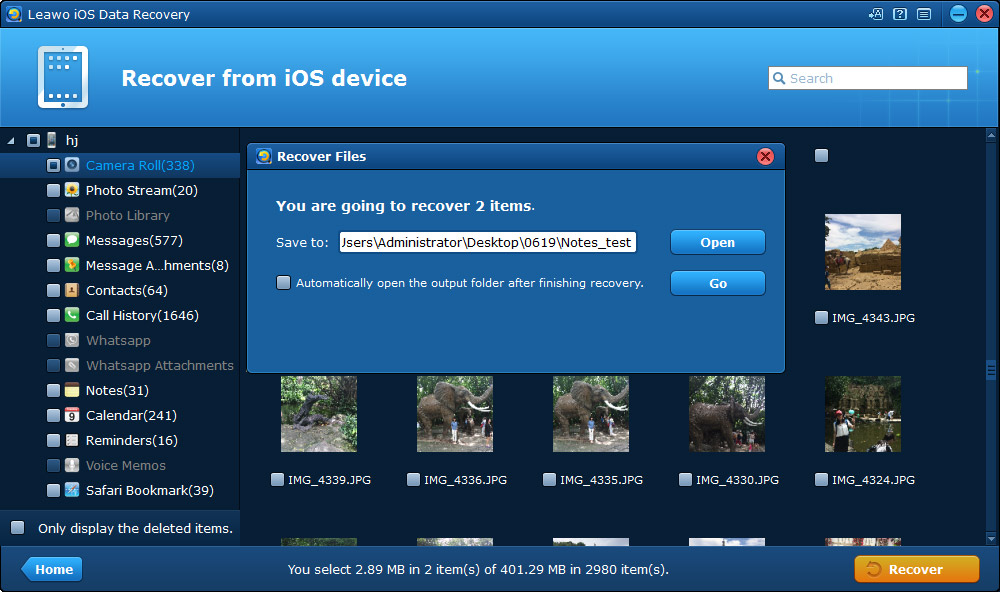
Recovering data with iTunes and iCloud will recover the whole backup at a time. However, Leawo iOS Data Recovery displays all scanned data and files, letting you preview scanned data and files, and determine what file(s) to recover.
Leawo was AMAZING!!! I'd lost all my data and got it all back! I was almost crying because my phone literally had nothing. Thank you!!
Ryan
"
We needed to recover over 1,000 contacts from a smashed phone. We took the phone to the phone store and they said we were out of luck because we had never backed up to iTunes or iCloud. This software saved the day!! Worked perfect for recovering directly from the device as long as you can plus in the micro USB charger and your computer can still recognize the device.
Jen Pirak
"
This application very useful and easy to use. thank you so much for helping me get back my old phones number



















An All-inclusive Data Recovery Program for iPhone, iPad and iPod