


Available to Set Music Parameters for Output
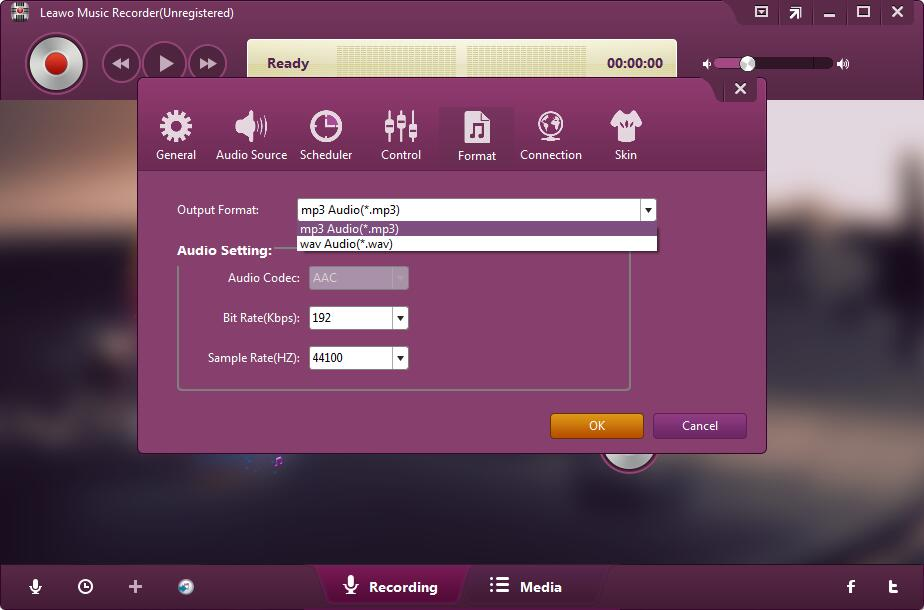
Leawo Music Recorder enables you to set the recording file parameters, which includes audio format, audio codec, bit rate and sample rate.

Manage Recorded Audio Files
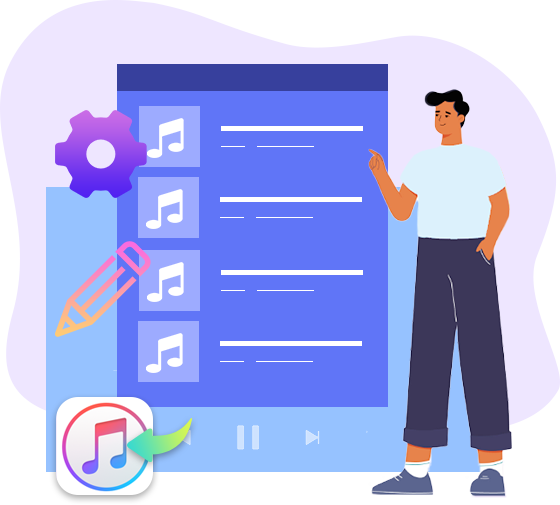
As a smart music recorder, this software could let you add and edit music tags via music tag editor. It has a built-in library that you could find and manage all the recorded music files. You could also share recorded music files to iTunes within 1 click.
Personalized Audio Settings
As one of the most powerful and innovative music recording software, the streaming audio recorder provides various kinds of basic settings like Task Scheduler, Audio Source, Output Format, etc. for your music customization. It helps you capture any music files with original quality and customized settings.

Available to Set Music Parameters for Output
Leawo Music Recorder enables you to set the recording file parameters, which includes audio format, audio codec, bit rate and sample rate.

Record Music Files to MP3/WAV Format
The audio recorder can record various audio files to MP3 or WAV format, which are fully compatible with variety of devices like iPod, iPhone, iPad, Android phones, etc.

Auto-filter/Remove Ads in Music Recording
The online audio recorder enables you to preset a minimum track length for your audio duration, which will automatically filter out some unwanted ads for you.

Set Time-intervals to Split Tracks Automatically
This audio recording software also allows you to set time gaps between music recordings. Based on the time gaps, this music recorder program could automatically split or filter recordings.
Other Features
Apart from providing the essential audio recording features, the audio recording software also comes with other effective features to meet different needs.
With a built-in recording task scheduler, the audio recording software helps you schedule music recording by setting recording Start Time and Recording Duration as well as timing shutdown.
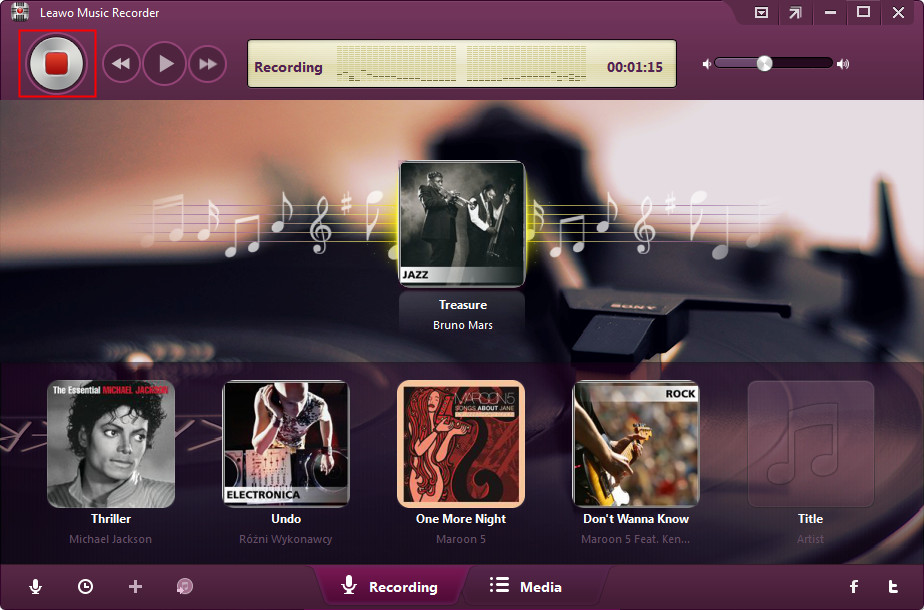
On the recording interface, the software dynamically displays music recording process in real time. You could get hold of the music recording effortlessly.
The minimized feature of the audio recording software enables you to enjoy music when recording freely. You could minimize the main interface of the software for enjoying music better.
The main interface of the software offers two entries intuitively: Recording and Media. You only need to pick the audio source and click the "record" button to record music when ready.

20+ Years Experience

10,000,000+ Happy Clients

100% Safe & Clean

100+ Countries
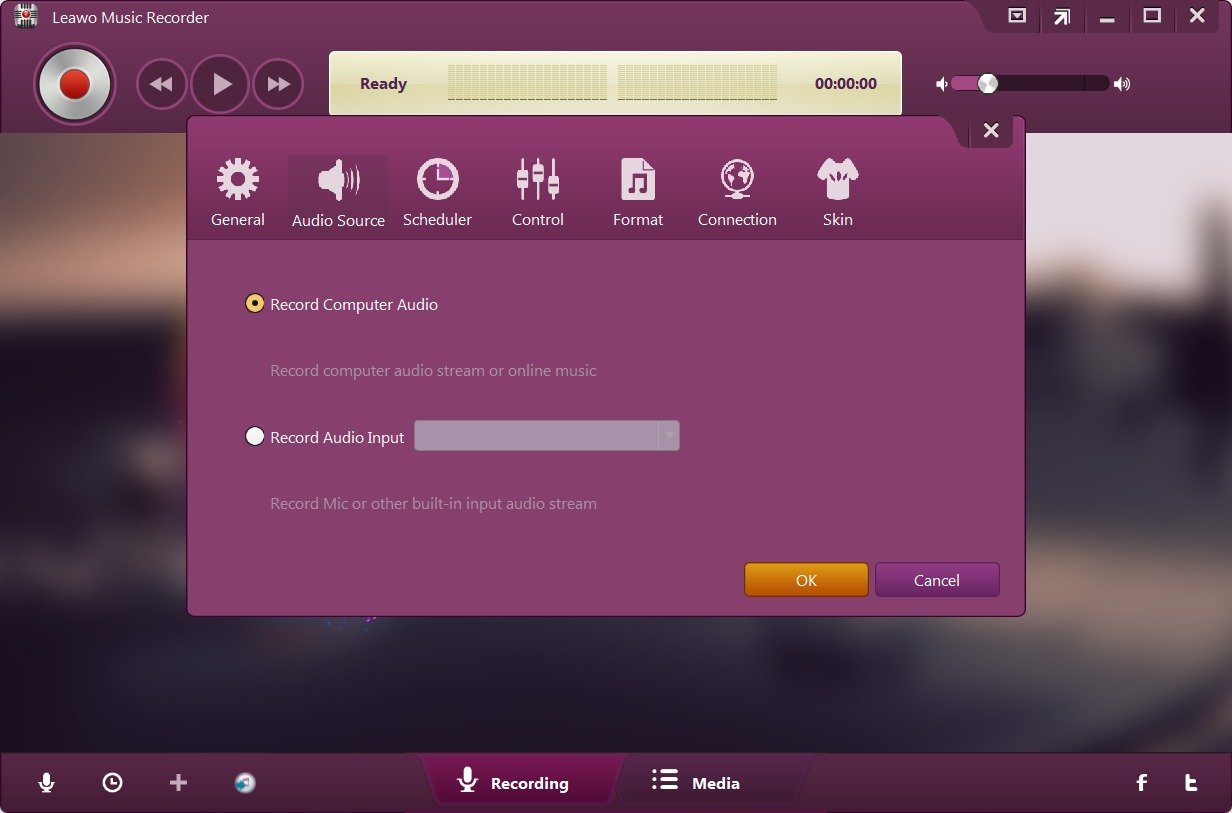
Step 1: Set audio source
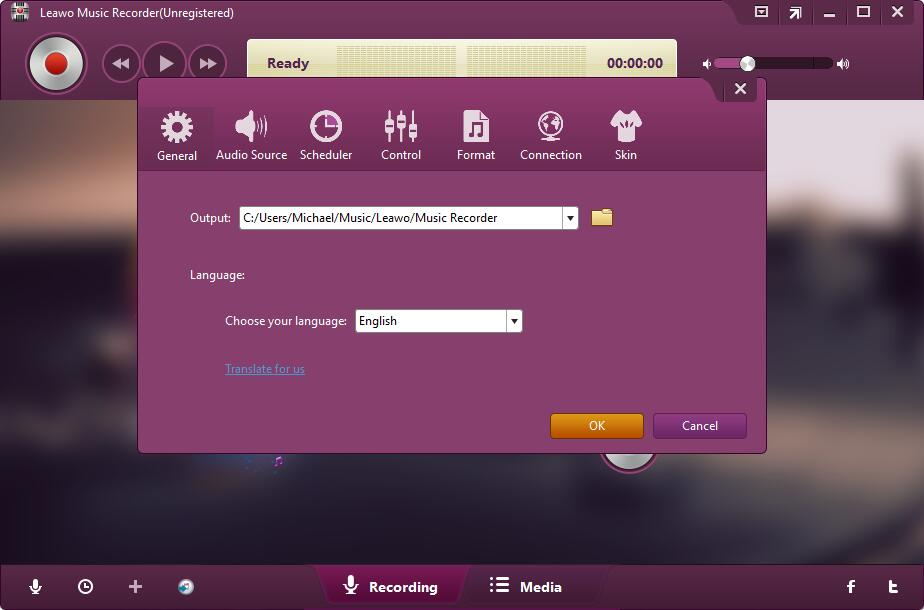
Click the “Audio Source” icon to set recording source: Computer Audio or Audio Input.
Step 2: Set output format
Open the “Format” tab to set output audio format and audio settings.
Step 3: Set output directory
Open the “General” tab to set output directory.
Step 4: Start recording
Click the red recording button and then play back target audio to start recording audio.
System Requirments


Size 67.2 MB
Version
Update

Testimonials

"
Leawo Music Recorder is an intuitive application that comes in handy to users who like to capture the online radio channel they are currently listening to.

TopTenReviews.com

"
I searched the internet for hours to find software to audio record from the internet. Some software wanted a monthly charge but I would only use it a few times a year so that was out of the question. Then I ran across Leawo Music Recorder WOW! This is exactly what I was looking for. I purchased it for a fair price and it works GREAT!
Jerry Triatik

"
The music recorder is a great alliterative tool of music downloading tools, owing to it can offer the safe hot music.I tried to record the music from youtube and it works very well,the output music is very good and also I have transfered it to my android phone.
Judy

Purchase Leawo Music Recorder
$ 19.99

$ 29.99






Support Any Audio Source
Record Music/Audio from Any Source in High quality
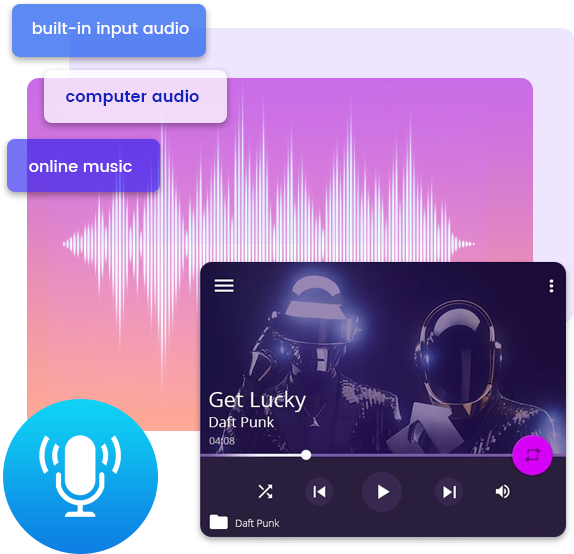
Leawo Music Recorder is a superb but easy-to-use music recording software program that lets you record free music from any built-in input audio, computer audio and online music sources, like YouTube, Spotify, AOL Music, Last.fm, etc. and then save in MP3 or WAV format with lossless quality.
Record Online/Streaming Music from 500+ Sites
Record Music from Multiple Radios & Podcasts
Record Audio from Microphone or Other Built-in Input Audio Streams
Record Audio being Played on Local Computer